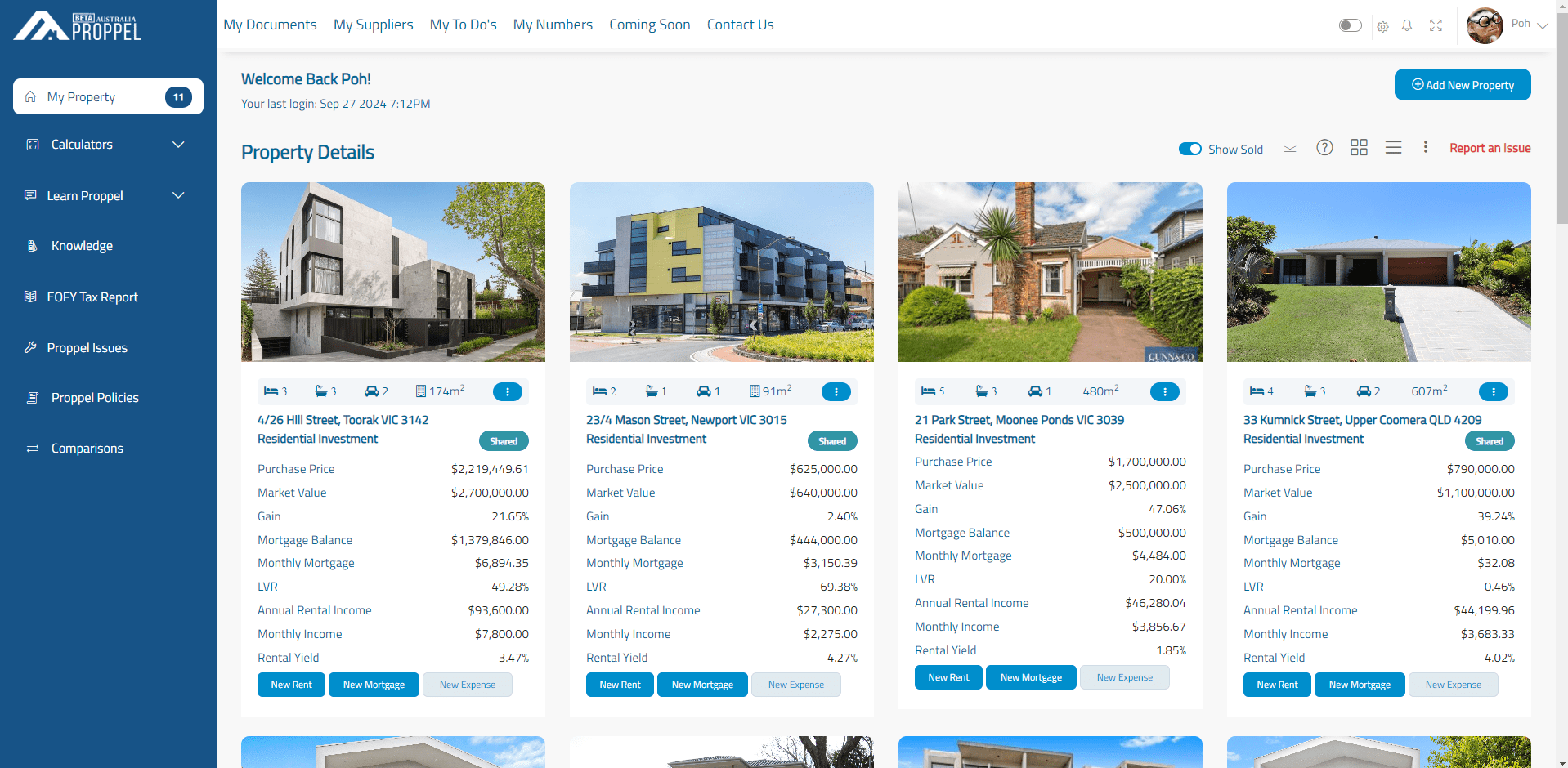
All your properties are presented in a neat list with easy to see summaries. Briefly, you’ll be able to see information like purchase price, block size, current market value and more. From here, you can navigate to a whole range of other features.
Property Details
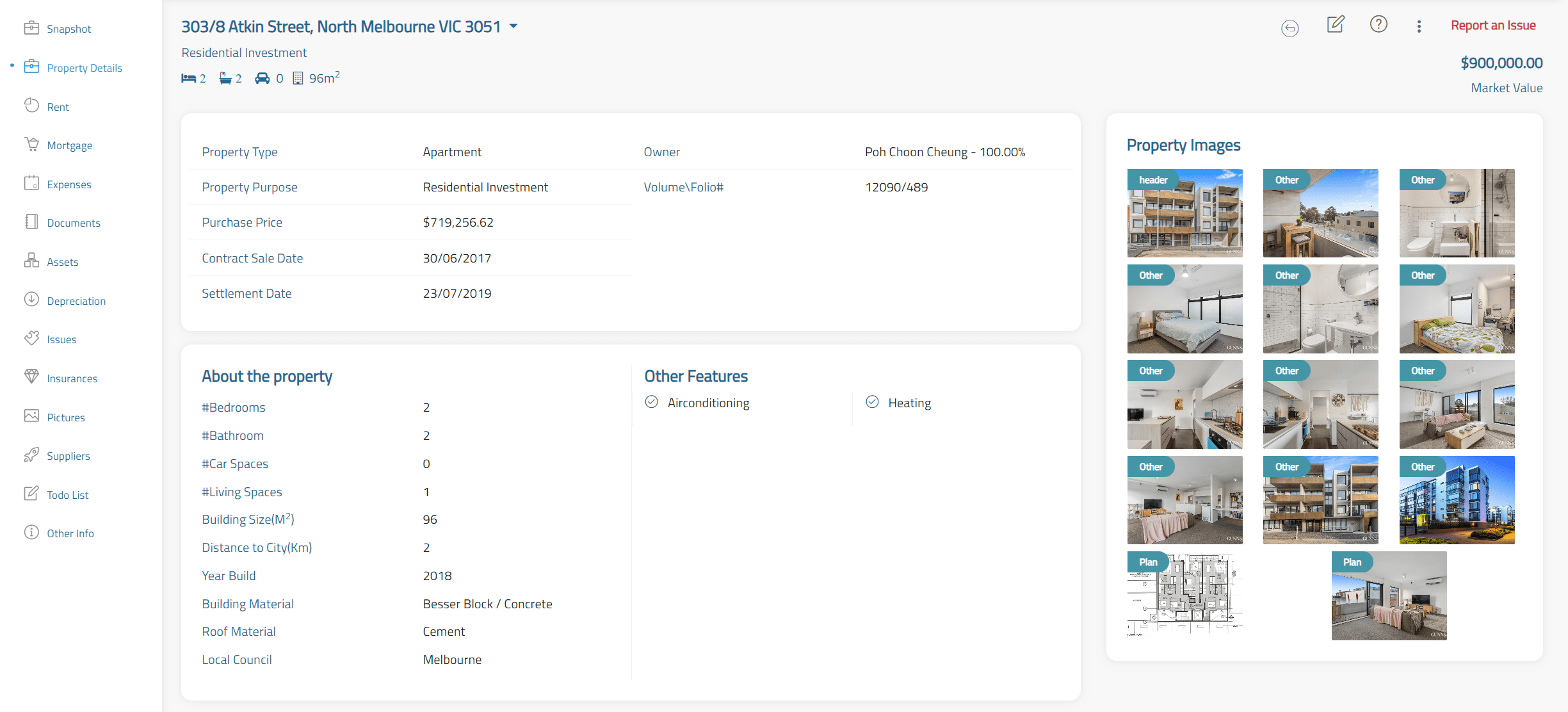
Here you’ll find all the essential baseline information about your investment properties. Easily find details about the property’s features, type of dwelling, walking score, local council area, as well any other important information you choose to list.
Rent
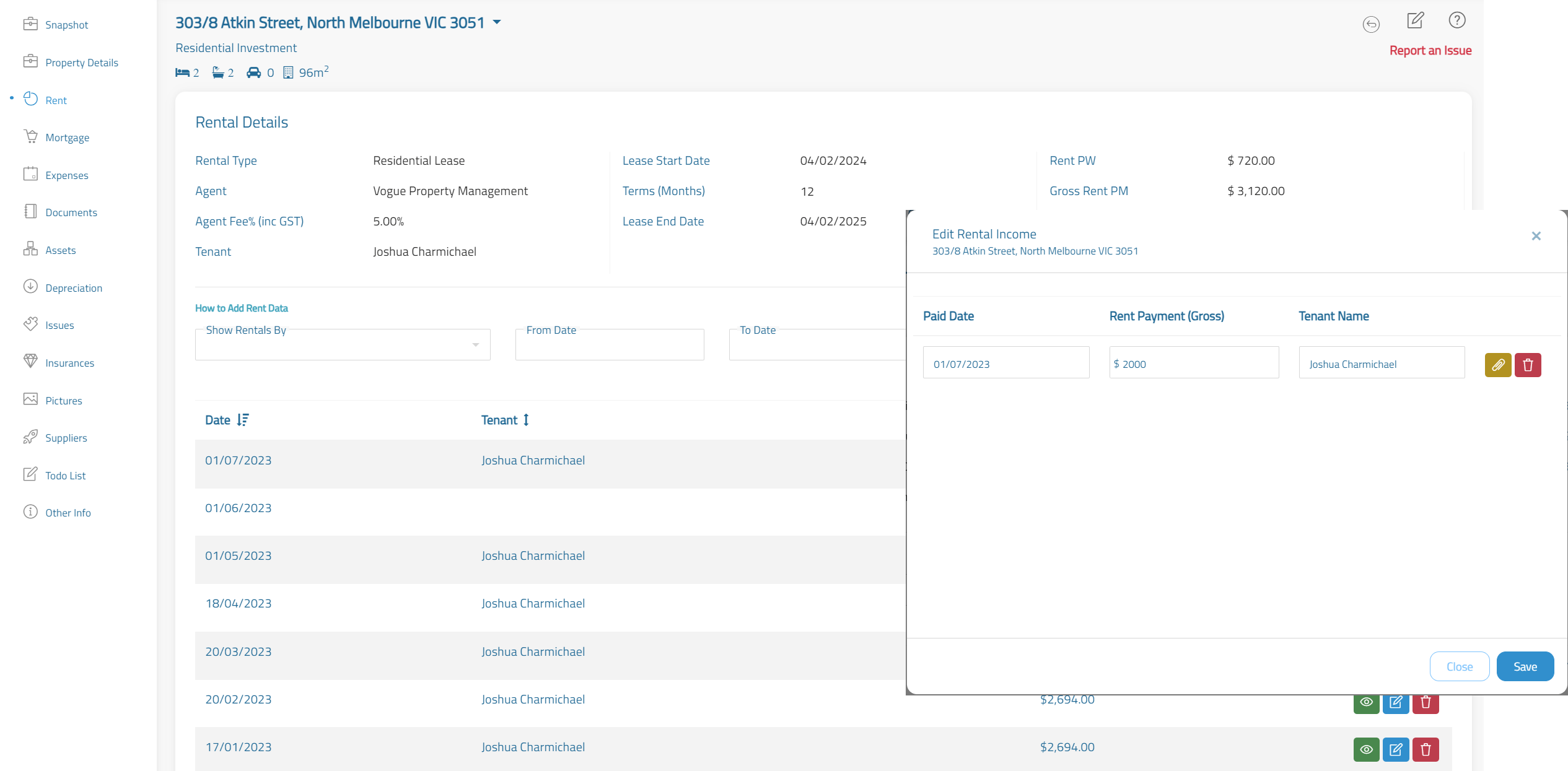
Manage your rental property details and rental income payments with a clear, simplified interface. Keep track of any late payments or outstanding fees here. You’ll also be able to keep an eye on lease end dates and how much you’re paying in agent fees. This information also feeds into your End of Financial Year reporting obligations
Mortgage
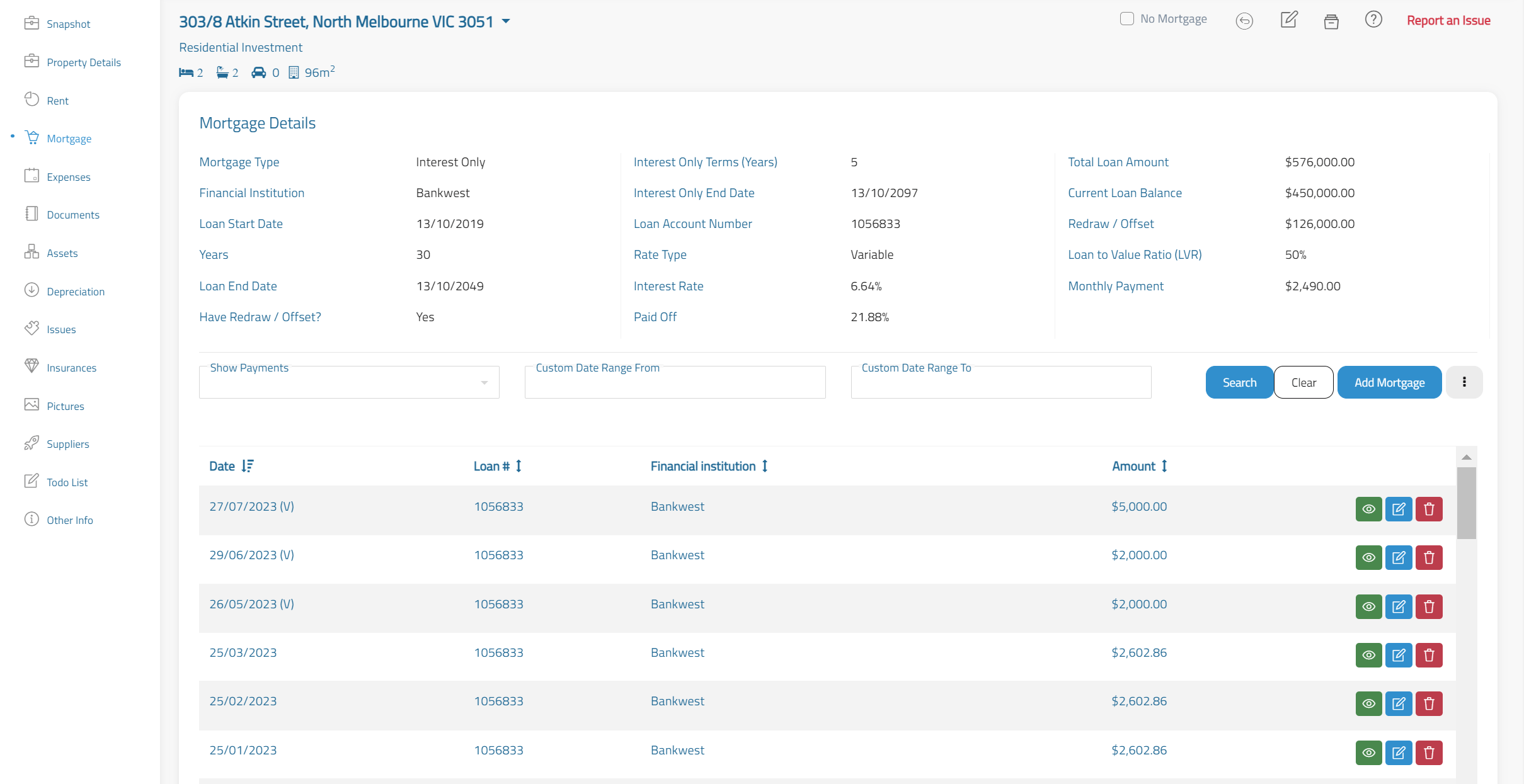
Stay on top of your mortgage and mortgage payment information. You’ll be able to instantly view your mortgage details across each property. With this information you will know whether you should refinance, and the payment history will feed into your End of Financial Year obligations.
Expenses
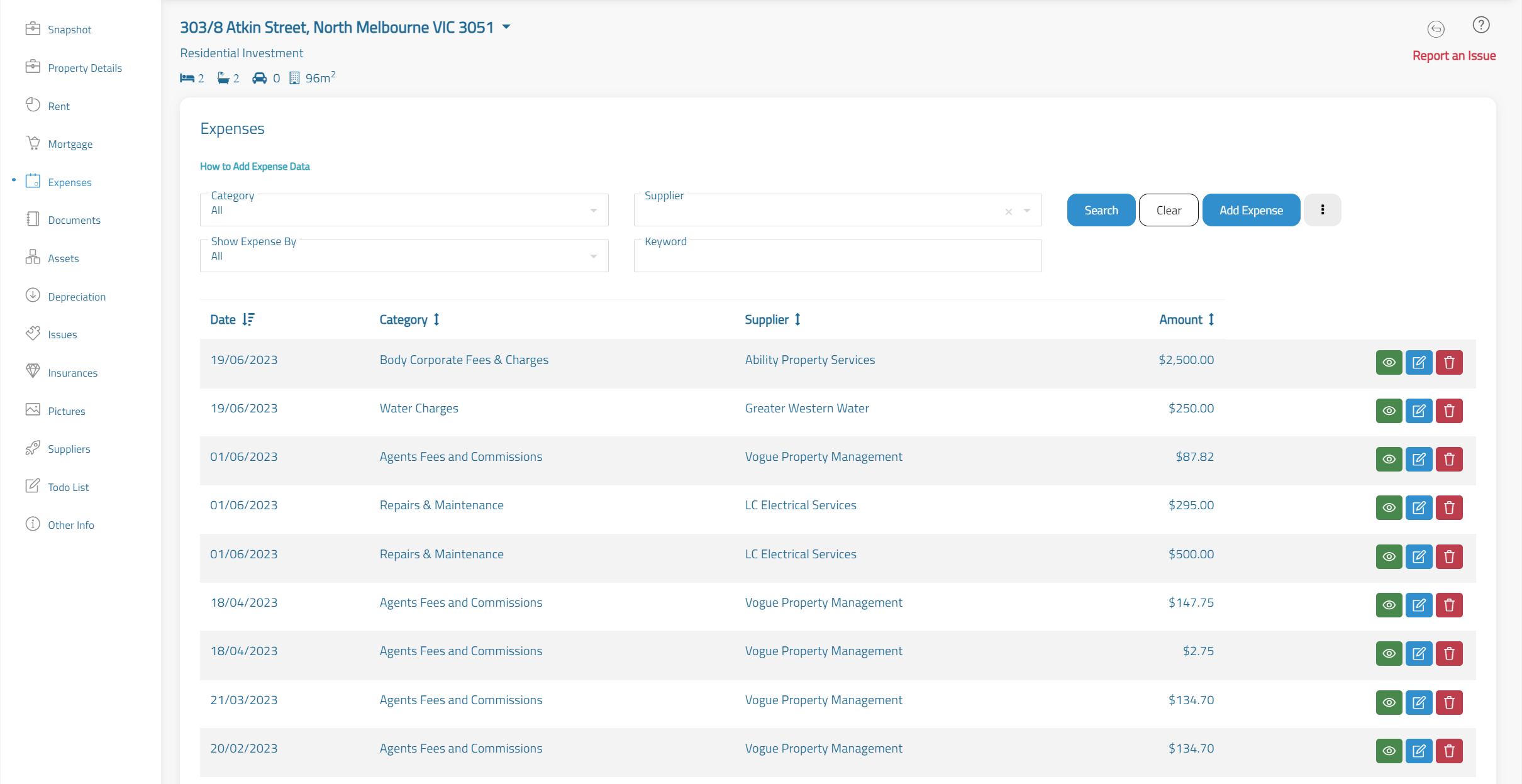
Add your property expenses here to maximise your property deductions. Use this function in your principal residence to track your household spending. For investment properties, this is used for your end of financial year obligations.
Property Documents
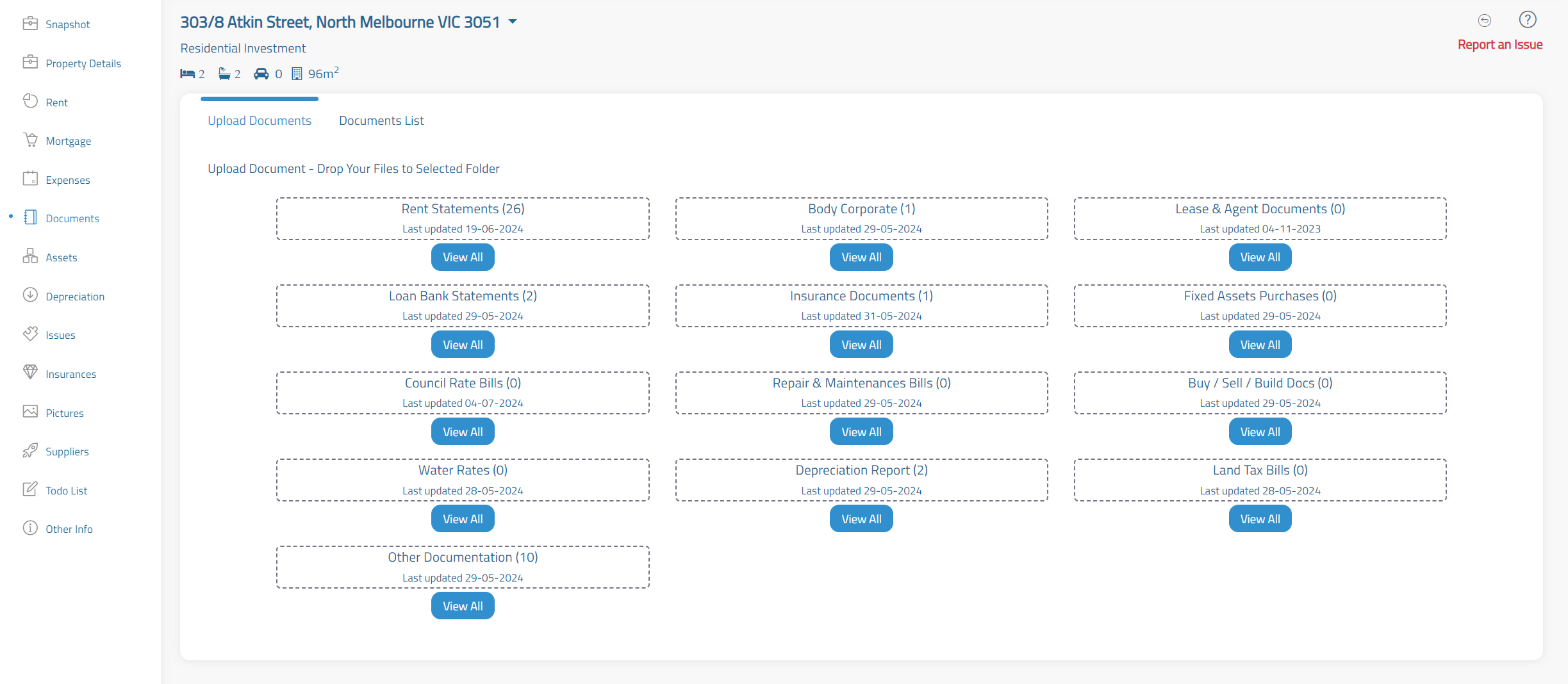
Here you can file and organise all documentation relating to your property and assets. Keep rent statements, contracts of sale and every other form of property documentation for quick access.
Property Assets
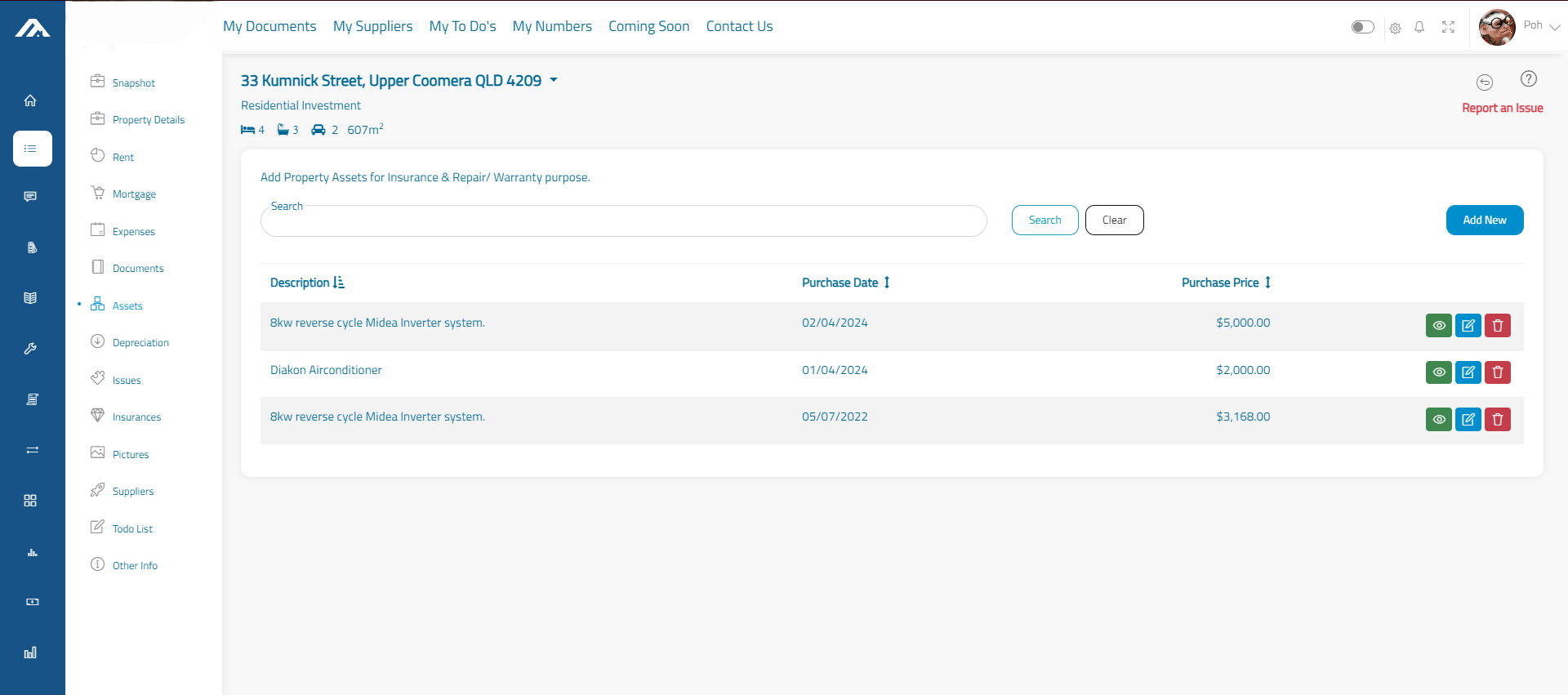
Fixed assets include items like ovens, air conditioners and dishwashers. Keep track of them here with a dedicated area for you to enter information about their model, price and even upload any current photos. Use the documentation section of this function for proof of payment, warranty, or user manuals.
Depreciation
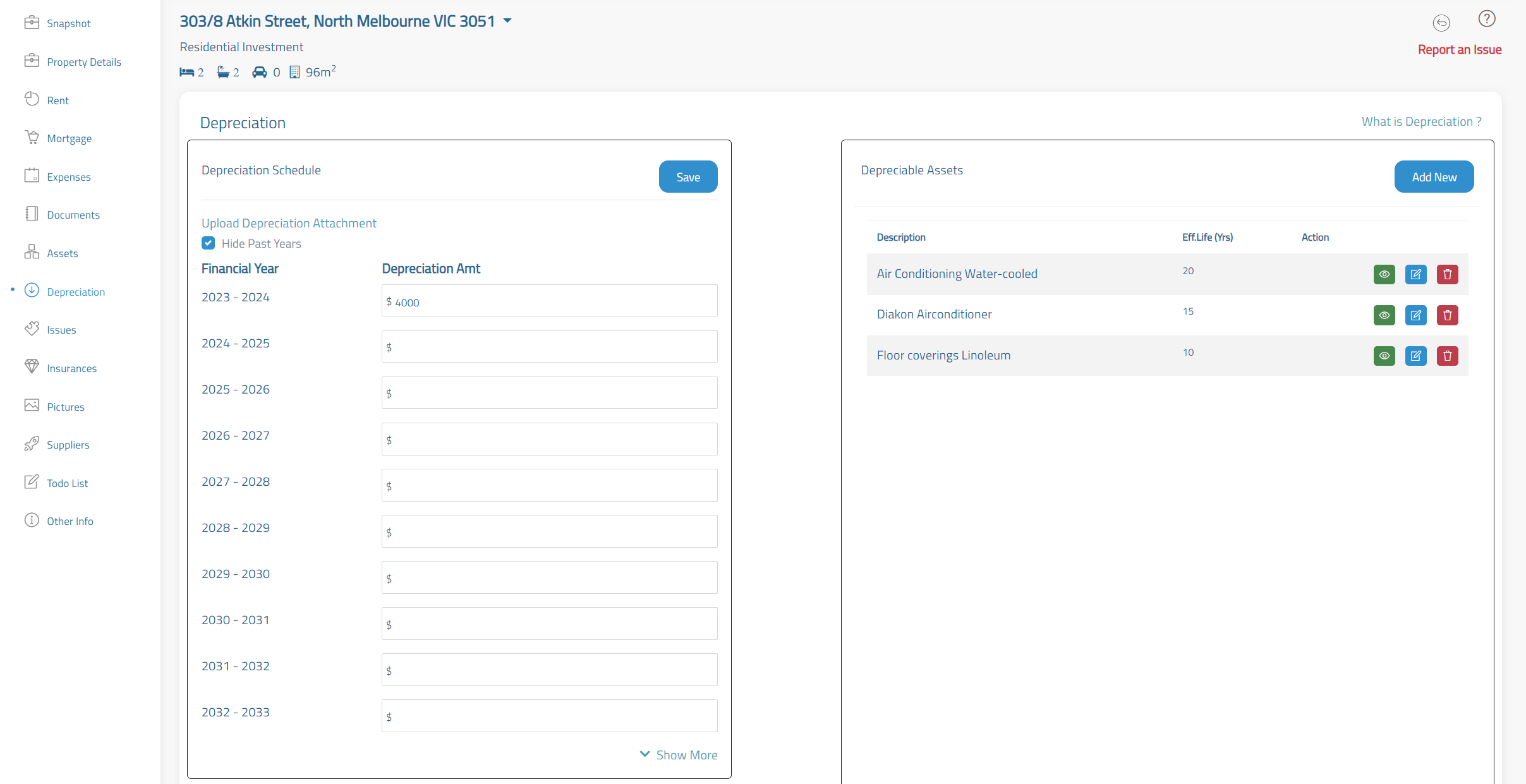
Make tax time more efficient with easy access to depreciation reports. List individual fixed assets as well as deprecation reports per financial year, so that your accountant can deduct these deprecations to minimize income taxes.
Property Issues
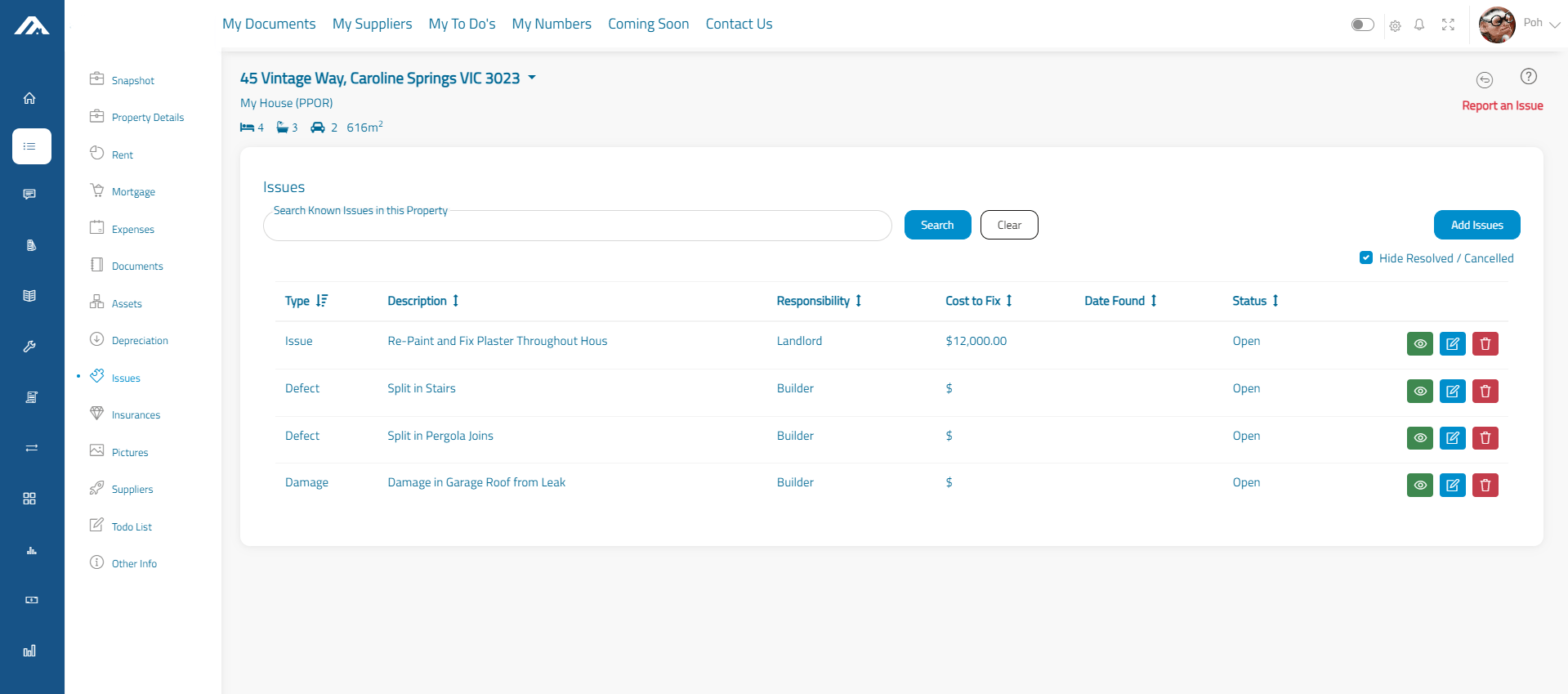
All properties eventually have Issues, whether they are structural, cosmetic or a breakdown in appliances. Use the Property Issues module to track the problem and document the accountability of the issue.
Property Insurances
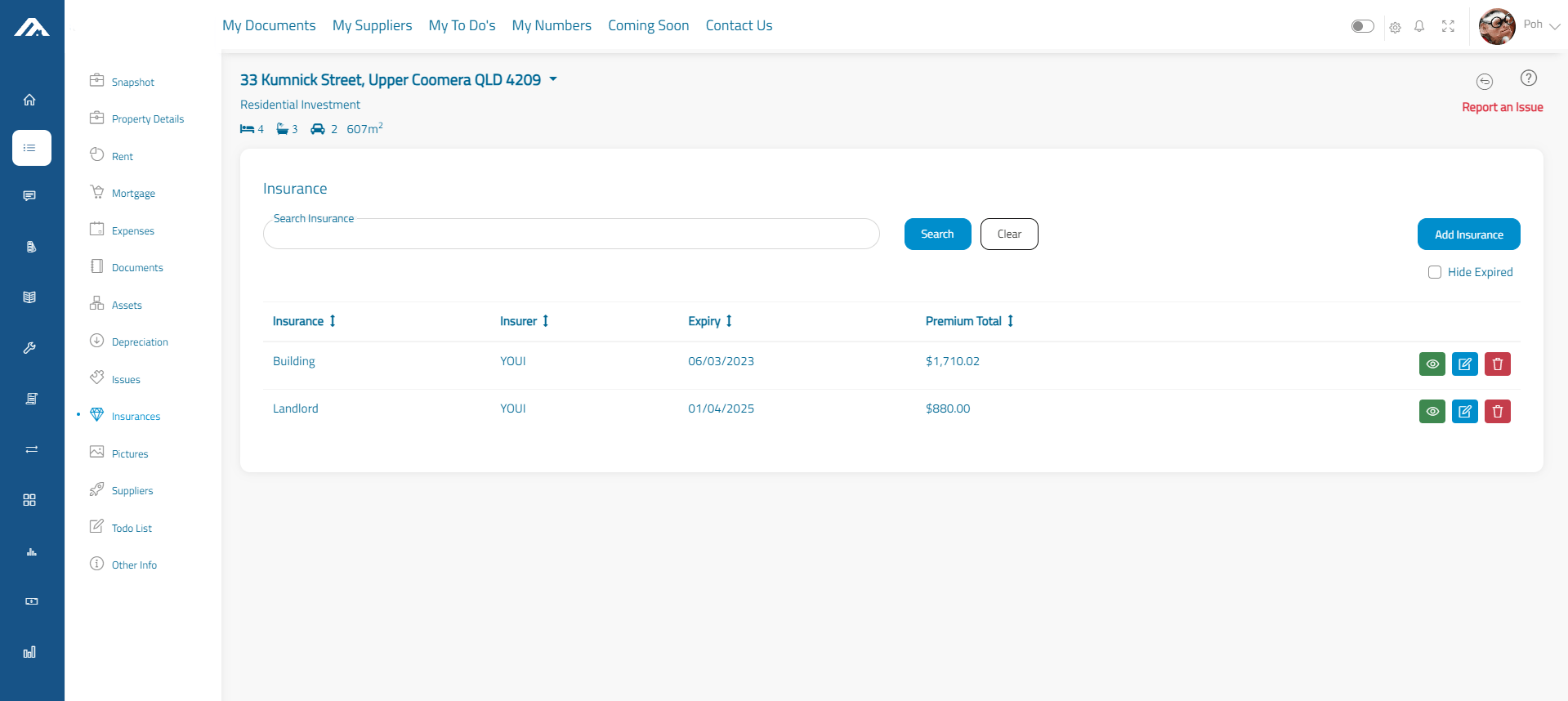
Manage your landlord, building or home and contents here. When something happens to your property, the last thing you want to do is dig up the insurance details. Have them ready and waiting for your claim.
Photos
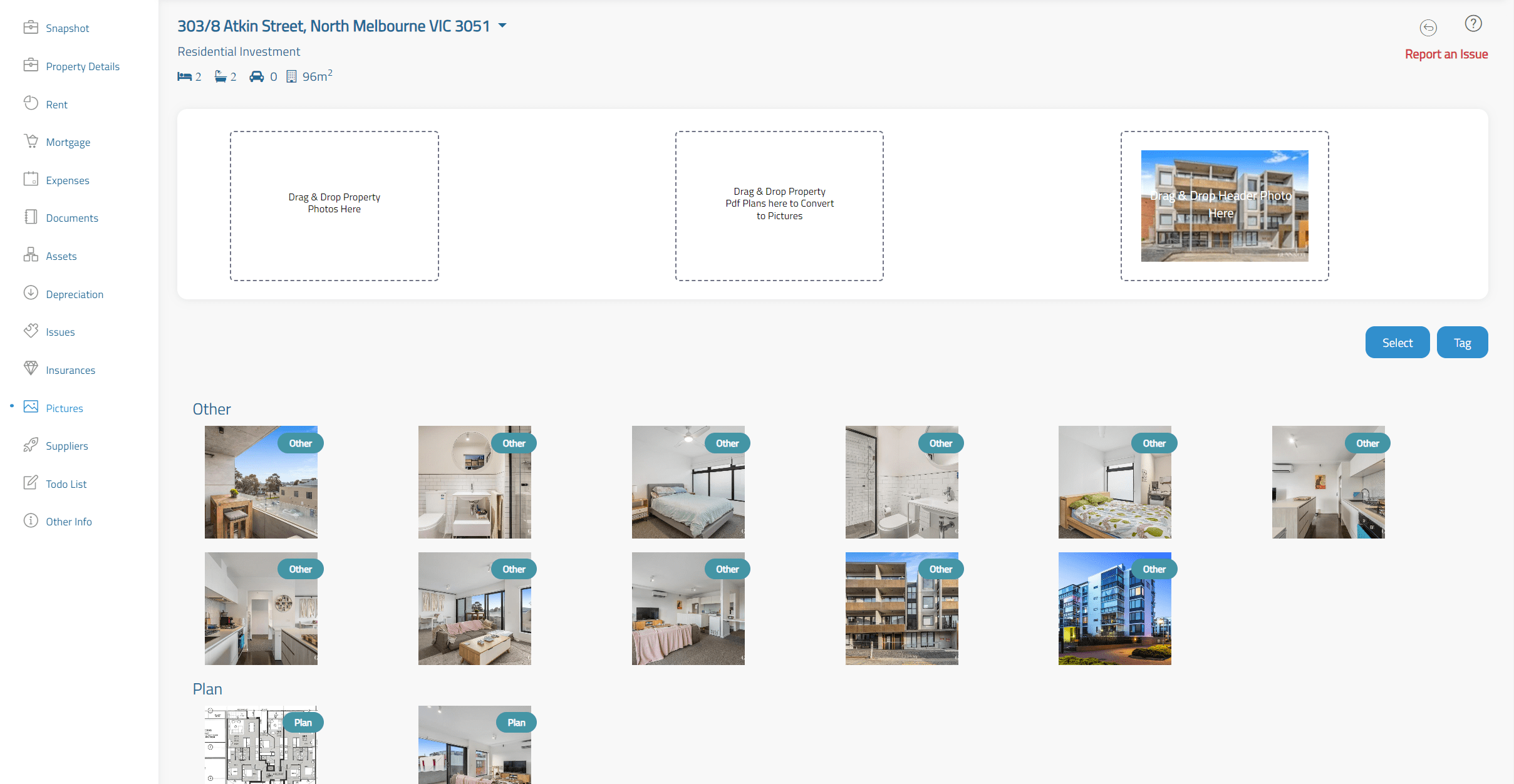
Proppel allows you to store a range of images relating to your property. Simply upload them into Proppel for easily accessible storage.
Suppliers & Contractors
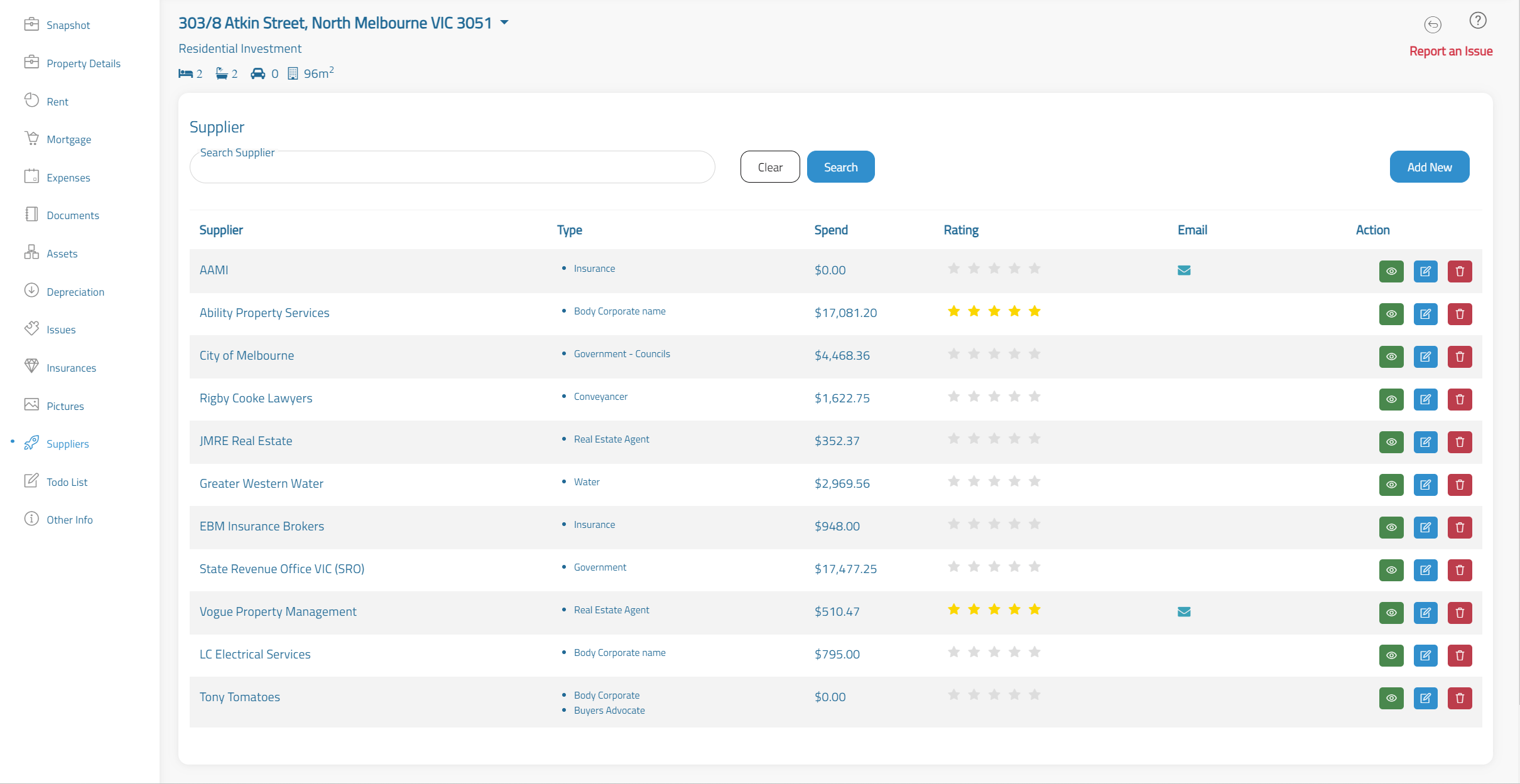
Keep a list of anybody that’s involved in work on your property. An electrician, insurer or even an agent, you’re able to enter in detail like costs and contact information. Suppliers are automatically added when you use any other module that has a Supplier, so data entry is minimal for you.
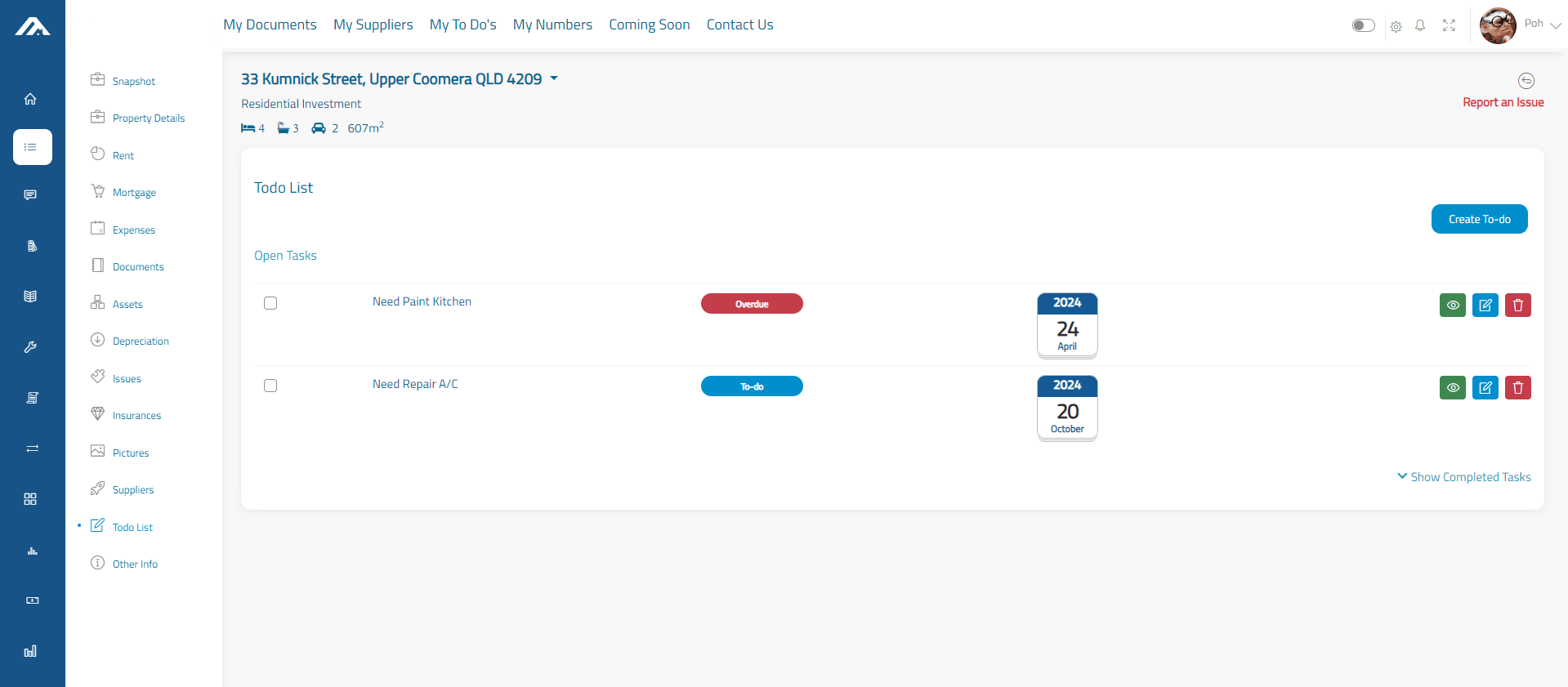
To Do Lists
There’s always something to do when you’re a property owner. Whether it’s mowing a lawn or repairing a loose hinge, it doesn’t stop. Here you’re able to clearly list all your tasks per property, ticked off once completed so you can stay on top of things.
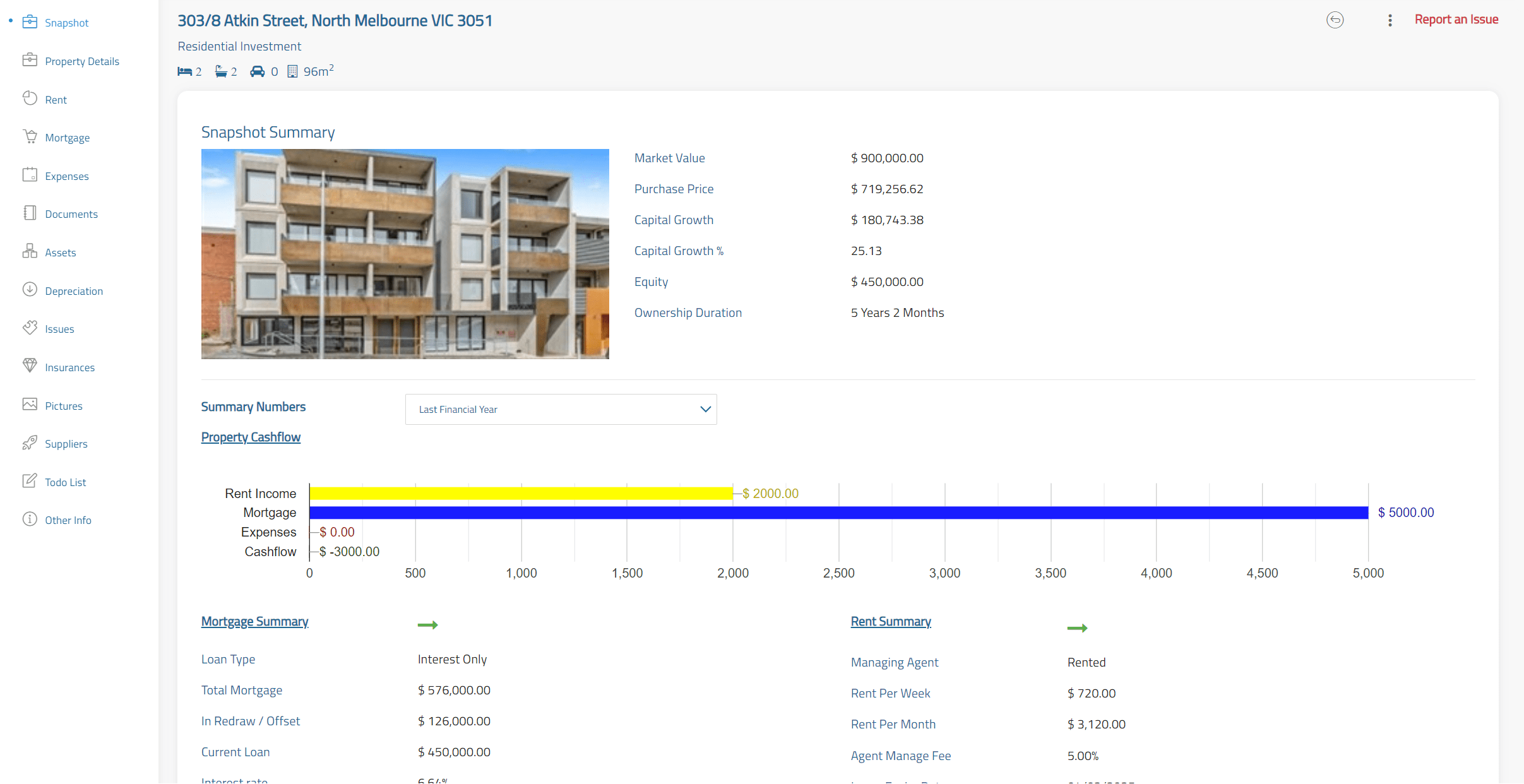
Property Snapshot
The snapshot summary offers you a quick look at everything important. You’ll be able to assess capital growth, gearing and view your properties cash flow status in an easy-to-understand graph format.
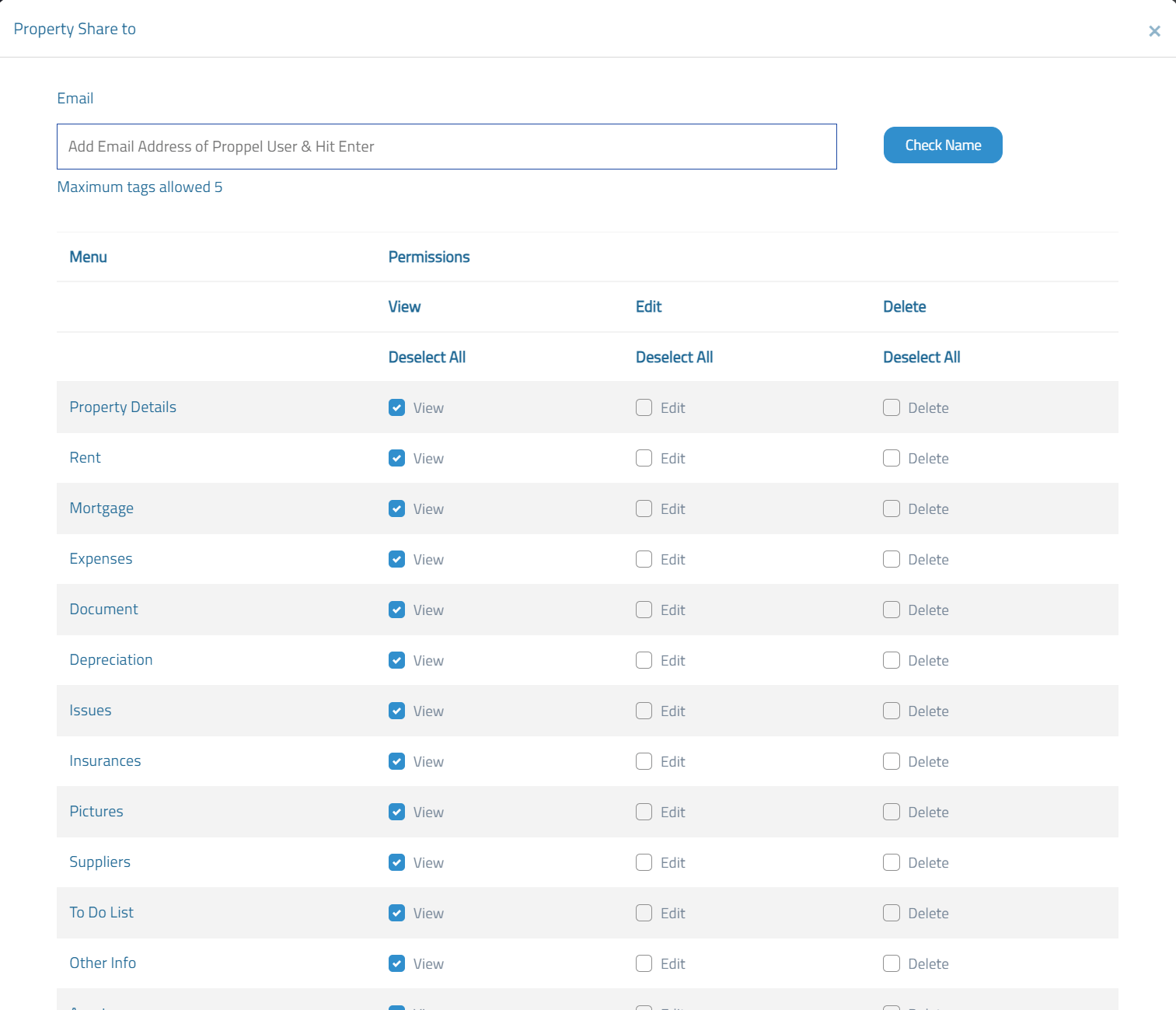
Property Sharing
Share your property with other Proppel users. You’ll control exactly how much information they have access to, share as little as much as you want. You may choose to share the information with your partner for data entry or with your accountant at tax time.
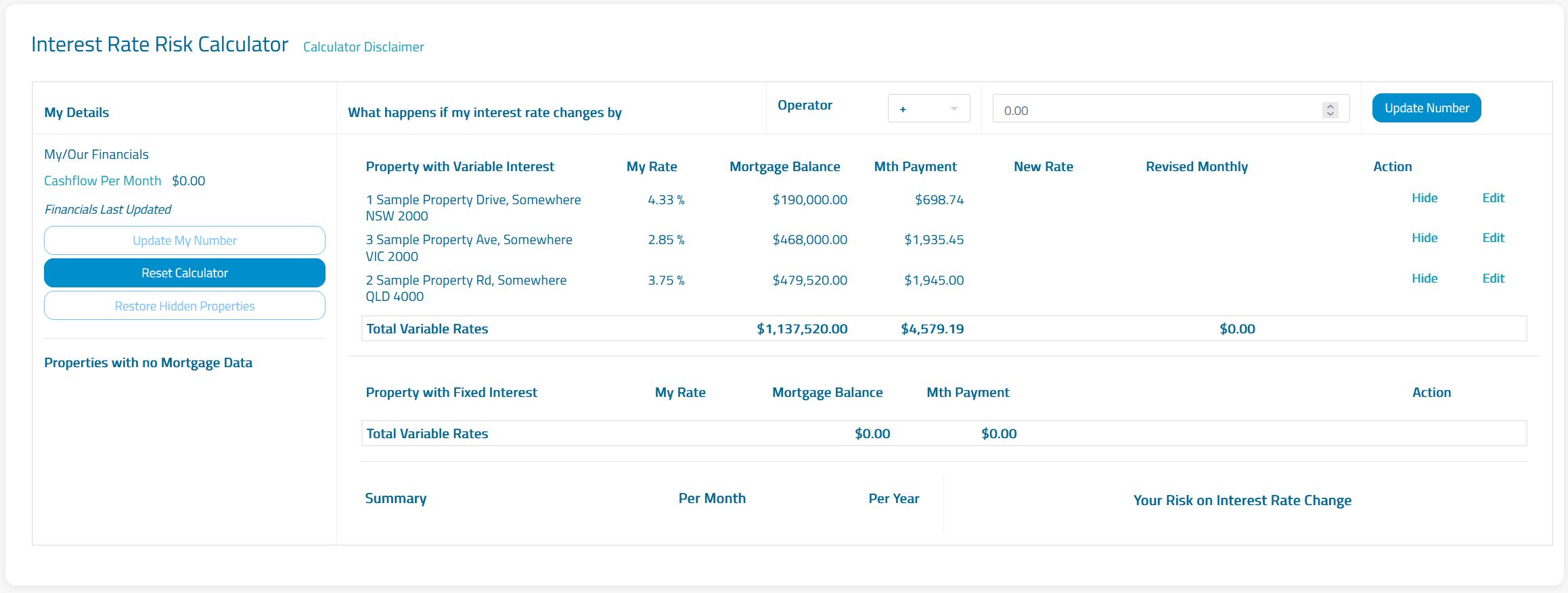
Calculators
Find out how much you can afford to spend and what the risk factors involved are with several different calculator functions. You’re able to enter in a whole range of variables to create a clear picture of different financial outcomes. No longer will you be left unprepared for interest rate hikes and changes in the property market.
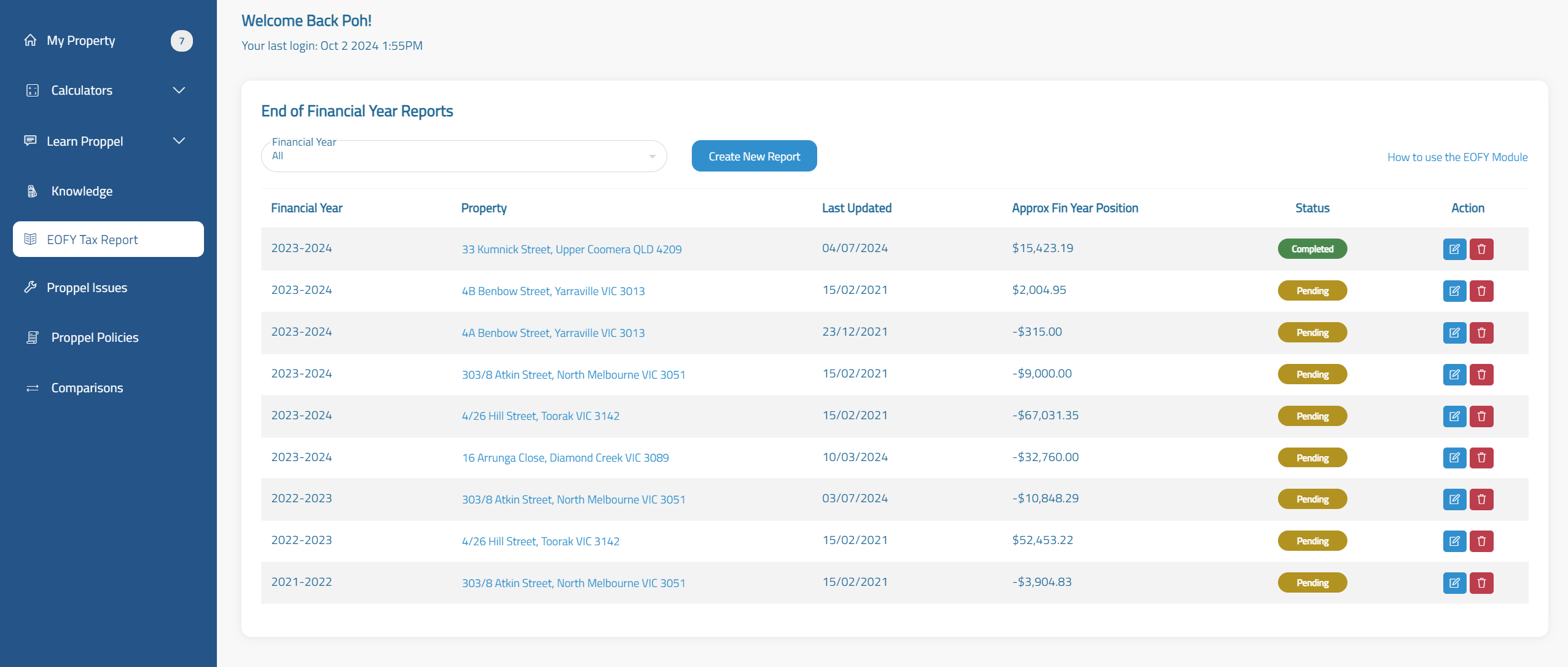
End of Financial Year Reports
Create a comprehensive report for you or your accountant to use at tax time. With a few clicks, you’re able to easily compile a complete listing of all relevant information for each individual property you own.
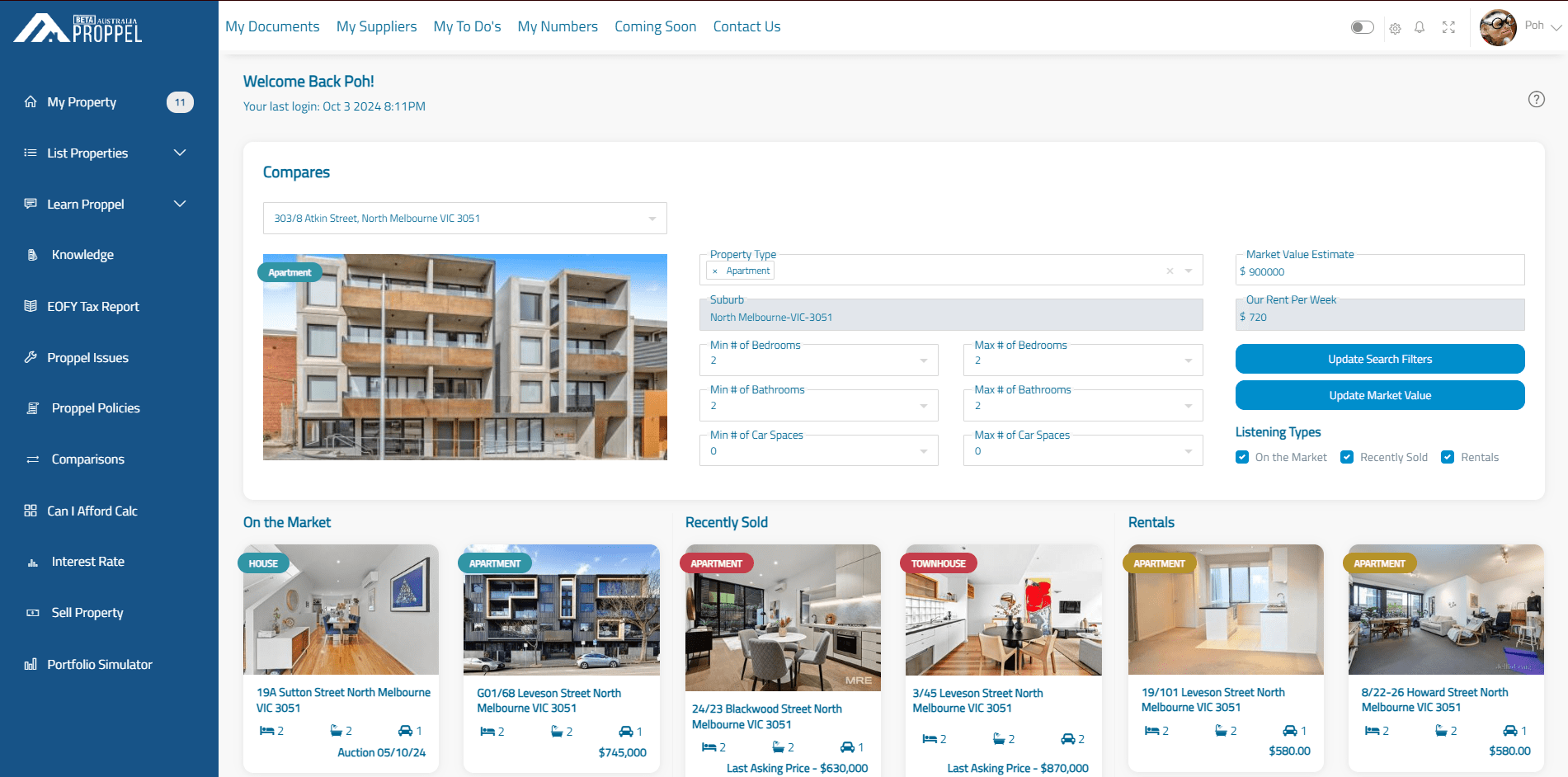
Property Comparisons
Compare your property with other houses on the market. Whether that’s homes that are on the market, recently sold or rental properties, you’ll be able to compare review whether your property market value is within range or your rent income is within range in comparison with other like properties on the market.
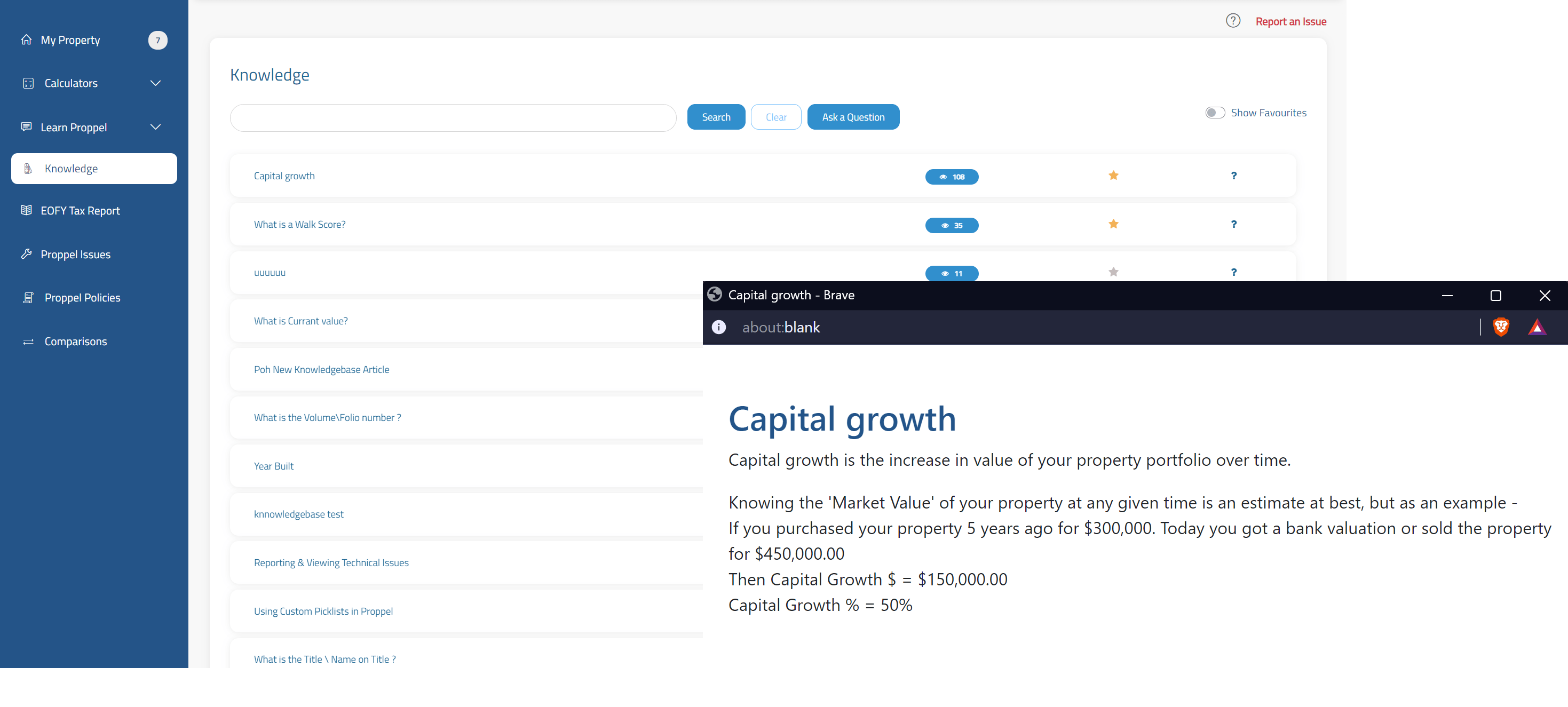
Knowledgebase
When it comes to property, there is a lot of terminology that can be difficult to understand. Our knowledge base exists as an educational database for you to search through when you need to know what something means or why it’s important.Create a comprehensive report for you or your accountant to use at tax time. With a few clicks, you’re able to easily compile a complete listing of all relevant information for each individual property you own.
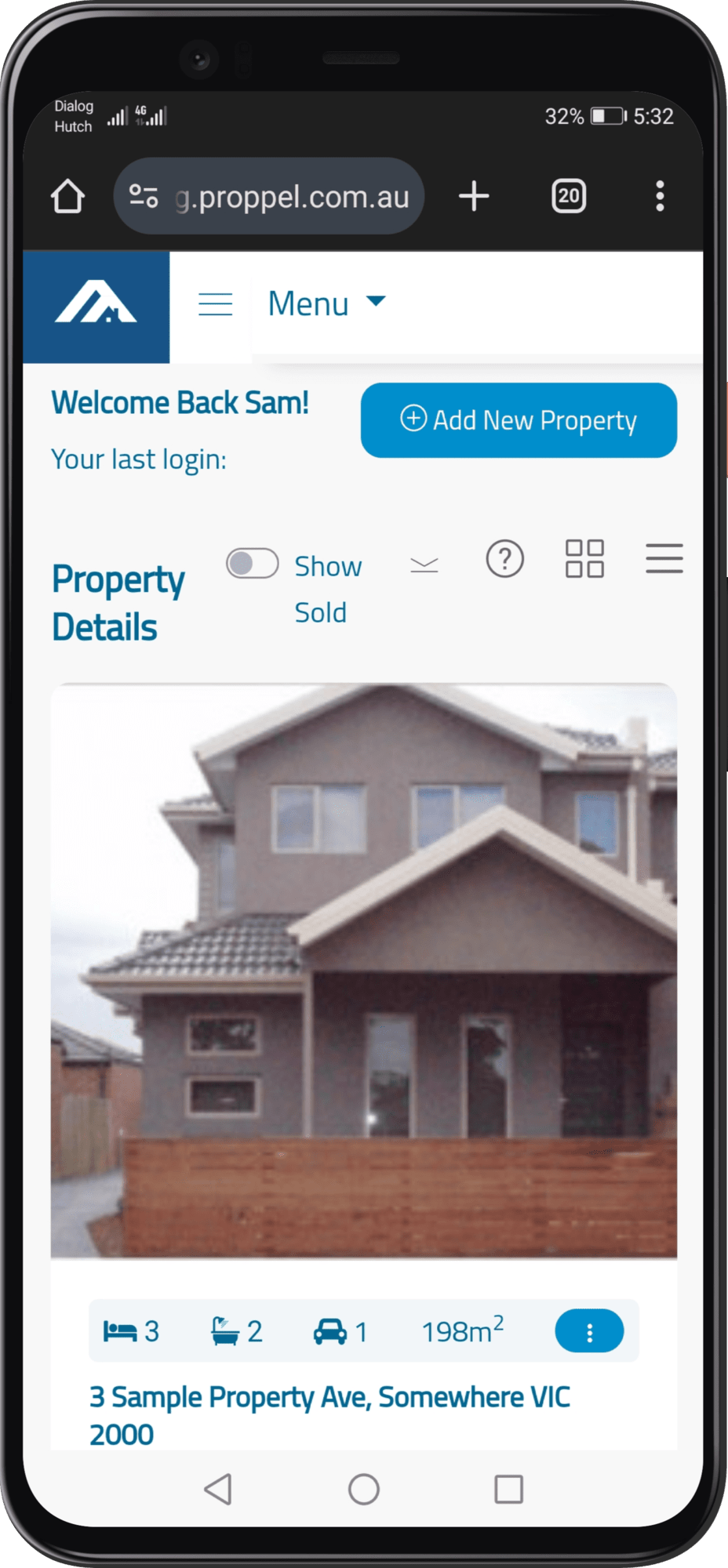
Platforms & Access Methods
You can access Proppel’s property management system on both desktop computers and your smartphone. Proppel’s mobile client is compatible with Android and iOS.